Migrating a WordPress website to a new hosting provider doesn’t have to be complicated or time-consuming. The Zone+ WordPress import tool allows you to quickly and conveniently transfer a website hosted with another provider to a Zone server – without having to manually move files or databases. To get started, you only need your WordPress administrator username and password or FTP/SSH credentials.
Importing WordPress
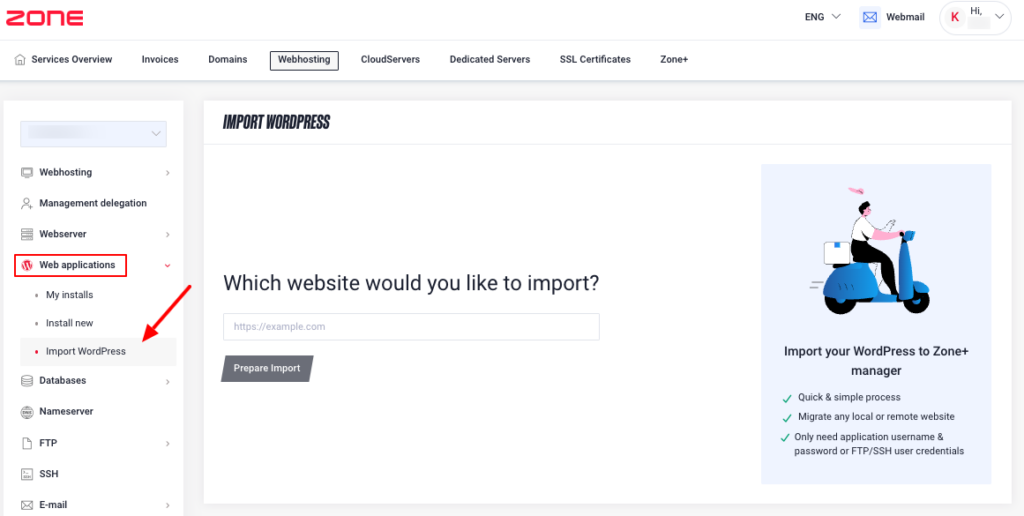
You can start the import process from the virtual server management panel by selecting Web Applications and Import WordPress:
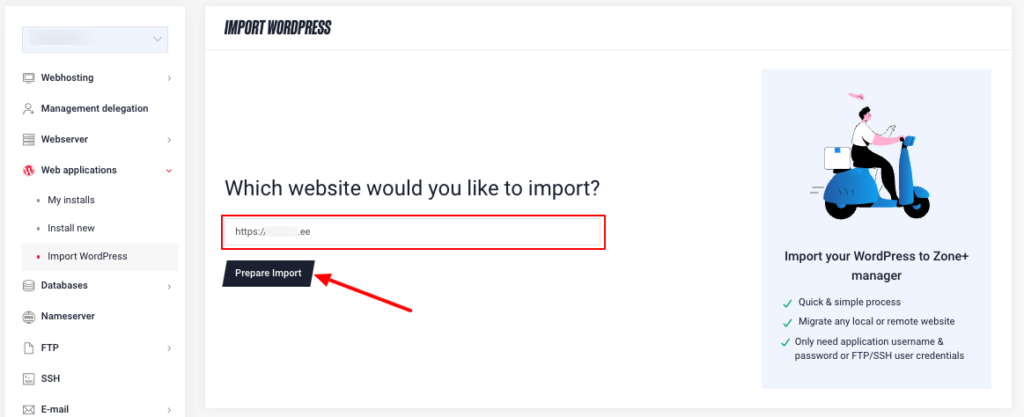
Next, enter the domain name of the website you want to import in the format https://yourdomain.eu and click Prepare Import.
Enter the WordPress admin username and password and click Start import:
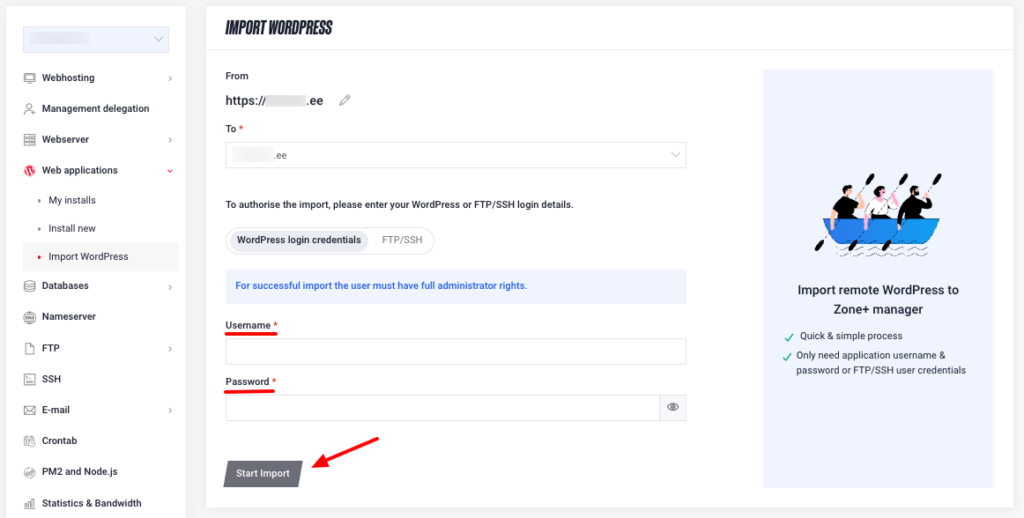
Alternatively, you can also use FTP/SSH credentials:
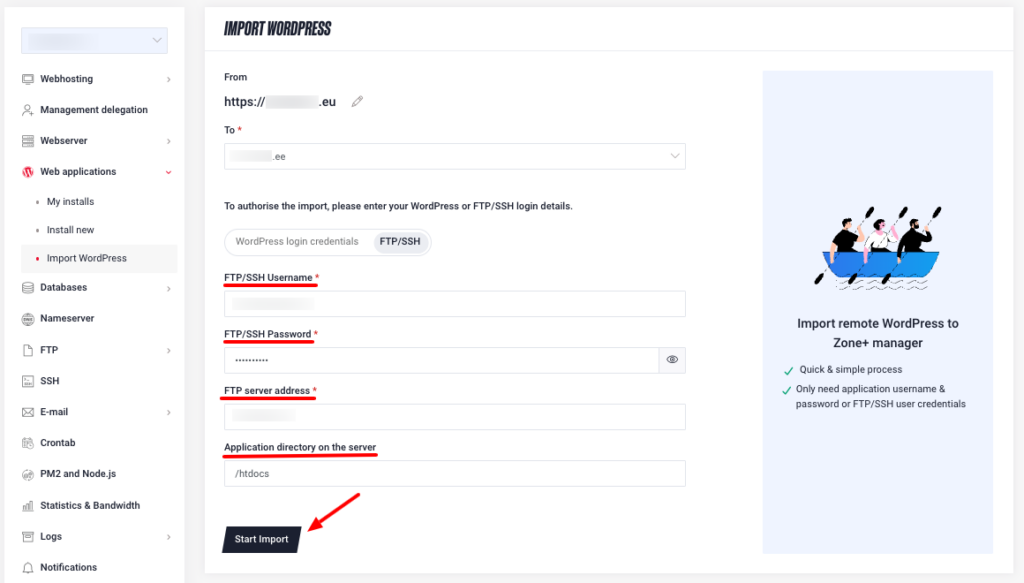
If the provided details are correct, the import process will begin. The duration depends on the size of the website – for larger sites (e.g. over 50 GB), the process may take significantly longer. Please keep your browser window open during the import.
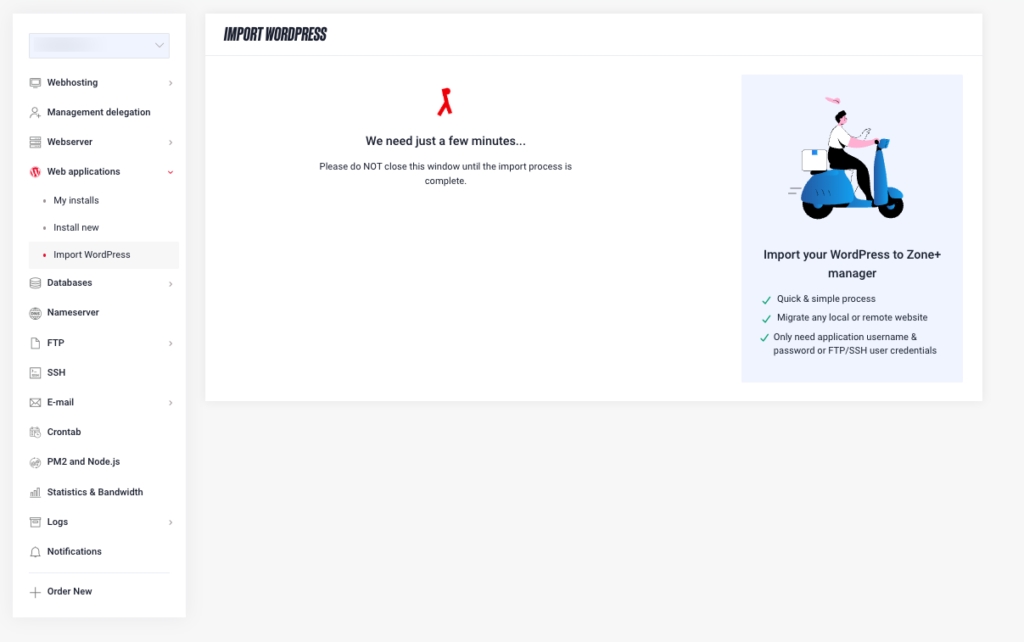
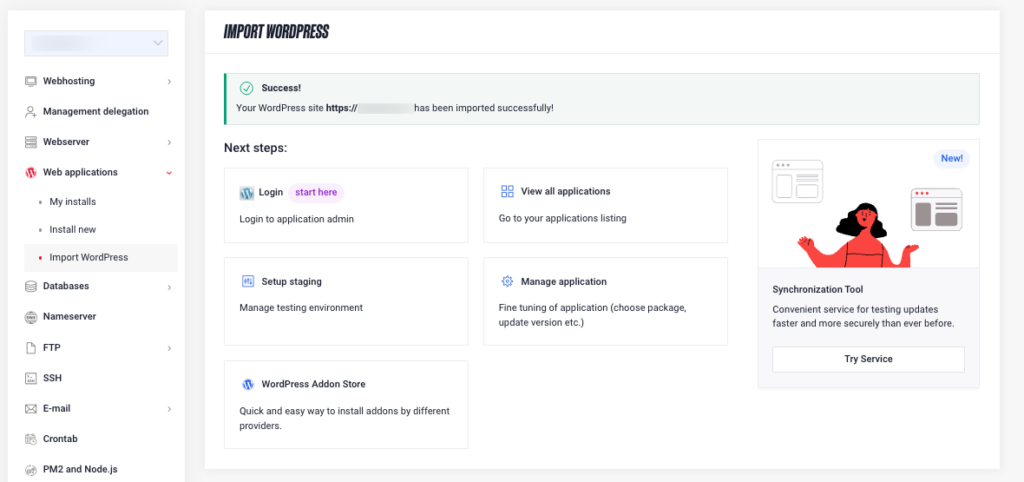
After a successful import, the following notification will be displayed and the application will be ready for use: